Connected When You Land
Use maps, WhatsApp and ride-hailing apps as soon as you leave the airport.
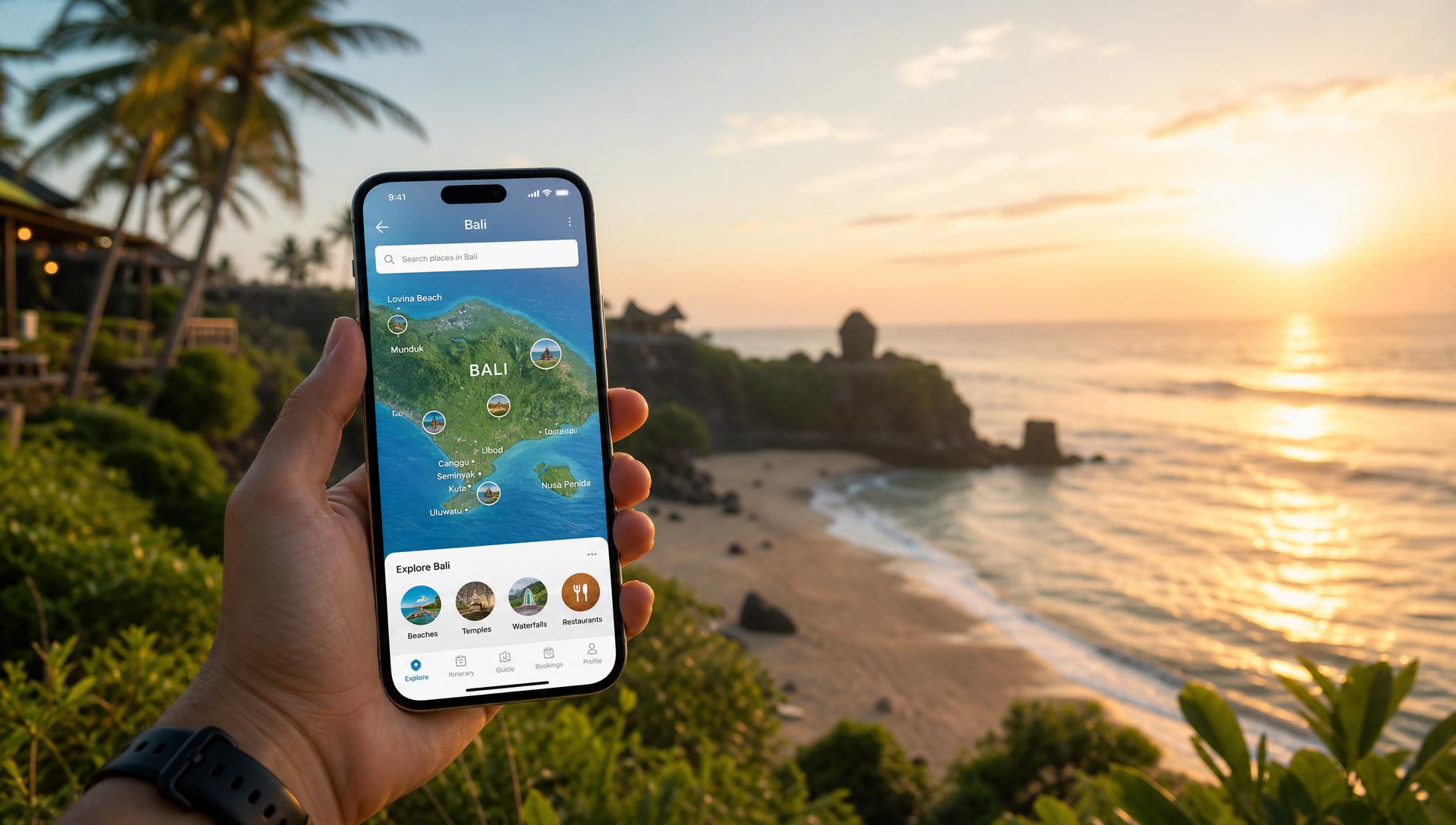
Travel Hub
Skip expensive roaming and airport SIM queues. Get your Bali eSIM organised before you fly and have mobile data ready when you arrive.
Before departure
Arriving in Bali is much smoother when your phone is already online. You can usually keep your home SIM active for calls and SMS, depending on your phone and plan.
Use maps, WhatsApp and ride-hailing apps as soon as you leave the airport.
Message your airport transfer driver, hotel or villa without depending on airport Wi-Fi.
Use a prepaid travel data plan instead of relying on potentially expensive international roaming.
Install your eSIM before departure and arrive in Bali with your connectivity ready to go.
Recommended
There are plenty of eSIM providers available, but these are two convenient options worth comparing before your Bali trip.
A straightforward travel eSIM option for travellers who want to organise their mobile data before leaving home.
Affiliate link — BaliDeals may earn a commission if you purchase through this link, at no additional cost to you.
A popular travel eSIM marketplace offering a wide range of destination and regional plans.
Affiliate link — BaliDeals may earn a commission if you purchase through this link, at no additional cost to you.
Compare
Both are travel eSIM options with Bali/Indonesia plans. This comparison is about positioning, not a ranking.
| Feature | Saily | Airalo |
|---|---|---|
| Bali/Indonesia options | ✓ | ✓ |
| Install before departure | ✓ | ✓ |
| Physical SIM required | No | No |
| Data-only options | ✓ | ✓ |
| Multiple plan choices | ✓ | ✓ |
| Best suited to | Simplicity | Choice |
Our advice
The easiest time to organise your Bali connectivity is before your holiday starts. Install your eSIM while you're still at home on reliable Wi-Fi, then activate it when you arrive in Indonesia according to the provider's instructions.
That means you can step off the plane, connect your phone and get on with your holiday — whether you're ordering a ride, contacting your villa, checking directions or letting family know you've arrived.
An eSIM is a digital SIM built into a compatible phone. Instead of inserting a physical SIM card, you install a mobile plan electronically — usually by scanning a QR code — and switch it on when you arrive.
Many travellers can keep their Australian SIM available for calls and SMS while the travel eSIM handles mobile data. Whether that works depends on your phone and your carrier settings.
Mobile coverage across southern Bali — Kuta, Seminyak, Canggu, Sanur, Nusa Dua, Jimbaran and Uluwatu — and around Ubud is generally good.
Signal can be less consistent in the central highlands, on remote north and east coast stretches, and on the Nusa islands. eSIM plans run on local carrier networks, so the coverage you get depends on the local network used by the plan you select.
Many traveller eSIMs are data-only. For most Bali holidays that's enough — WhatsApp, Google Maps, email, browsing, ride-hailing and internet-based calls all run over data.
If you need a conventional Indonesian number for voice calls or SMS, check specifically whether the plan you're considering includes one — not all do.
Plan sizing
A rough guide to the kind of traveller you are — then check the provider's current allowance and validity.
Maps, messaging, email and occasional browsing.
Maps, WhatsApp, social media, ride-hailing, browsing and travel bookings.
Streaming, frequent photo/video uploads, hotspot use or working remotely.
Your actual data usage depends on how you use your phone. Check the provider's current allowance and validity before purchasing.
Decide
Neither option is a universal winner — pick based on what matters for your trip.
Saily may be worth considering.
Airalo may be worth considering.
Compare available Bali/Indonesia plans based on data allowance and validity.
Consider whether an Indonesia-only plan or a regional Asia plan is more suitable.
Step by step
Activation and validity rules vary between providers and plans, so check the provider's terms before installing or activating your eSIM.
Choose your plan before departure.
Use reliable Wi-Fi to install the eSIM profile.
Call it something obvious such as "Bali" or "Indonesia".
Follow the provider's instructions about when activation or validity begins.
Enable the eSIM and select it for mobile data.
Check that mobile data on your Australian SIM is disabled if you don't want roaming charges.
If you're unsure whether your phone is compatible, check the provider's compatibility information before purchasing.
Arrival essentials
Your phone is one of the first things you'll rely on when you arrive. Get your connectivity organised before you leave, along with the other essentials that can make arrival much easier.
Get connected before you leave.
Compare eSIMs →Protect your Bali holiday before you fly.
Travel Insurance →Know what to expect when you land at Bali's airport.
Airport Arrivals →BaliDeals may earn a commission when you purchase through some links on this page. This does not increase the price you pay and helps support the site.